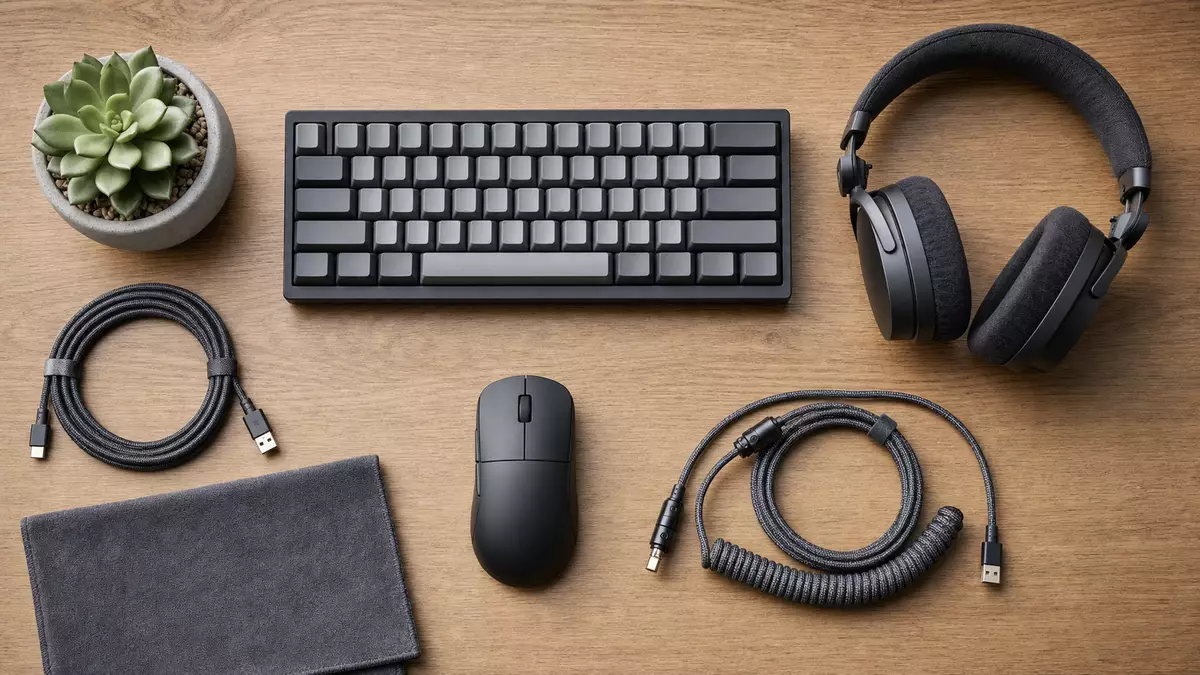
The Logitech MX Master 3S. Quiet clicks and fine control for long sessions
Published on 07/19/2026 at 15:30 | Editorial responsibility: Rafael Müller, Editor-in-Chief AD HOC NEWS
The Logitech MX Master 3S sits under your palm with a soft matte finish, the thumb gently finding the sculpted rest and side wheel without thinking. One or two silent clicks and the pointer glides across the screen, the office around you staying calm.
What Logitech changes with the 3S
Logitech MX Master 3S is the iterative upgrade of the well-known MX Master 3, but product manager Mathilde Saguez describes it as a "step up in precision and comfort" when you live at your computer for hours. The main change you feel first is the new Quiet Click design, which dampens the click sound significantly compared to the MX Master 3 while keeping a crisp tactile response.
Underneath, Logitech moved to an 8,000 DPI optical sensor that tracks even on glass surfaces as thin as 4 mm, something the company highlights as central for modern minimalist desk setups. The MX Master 3S still keeps the signature MagSpeed electromagnetic scroll wheel for fast scrolling through long documents, claimed at up to 1,000 lines per second.
Logitech MX Master 3S in the wider Logitech portfolio
How the MX Master 3S helps shape Logitech International S.A.'s peripherals revenue and why long-term holders of Logitech stock watch this mouse family closely.
Design, ergonomics and daily feel
On Logitech's product page, the MX Master 3S is shown cradling the hand in a natural handshake angle, with the high palm arch intended to reduce wrist pronation during long sessions. The top surface uses a soft-touch material and slightly textured plastic that keeps the mouse steady in the hand, even when fingers get warm after long editing work.
Reviewer Andrew Cunningham at Ars Technica noted that the shape is very similar to the MX Master 3, meaning users of earlier generations can move over without relearning their grip. The thumb area houses both the horizontal scroll wheel and a small gesture button, linearly placed so you can rock the thumb forward to scroll side to side in a timeline and press down to call operating-system shortcuts.
Buttons, wheels and custom actions
The mouse offers left and right buttons, a clickable MagSpeed wheel, the side wheel, a thumb button and two thumb buttons above the thumb rest, all programmable via Logitech Options+ software. Designer Matthew van der Ploeg from Logitech's MX team has explained in interviews how they mapped default profiles for apps like Photoshop, Premiere Pro and Excel to align with common workflows.
Options+ allows you to assign different actions per application, so the same side wheel can scrub video in a timeline in Premiere, zoom the canvas in Figma or switch between tabs in a browser. Combined with the gesture button, the MX Master 3S essentially becomes a compact macro pad under your hand, aiming at users who want fewer keyboard shortcuts and more direct control.
Sensor, DPI and tracking on glass
The 8K DPI sensor is one of the headline specifications, but the more practical detail is its ability to track on glass surfaces as thin as 4 mm. Logitech uses its proprietary Darkfield technology here, allowing the MX Master 3S to work on glossy conference-room tables and glass-topped home desks where simpler sensors often struggle.
For most office users, DPI numbers above 3,000 are more about flexibility than necessity. Logitech's configuration tool lets you dial sensitivity down if you prefer slower pointer movements for pixel-precise design work or leave it high when working across multiple monitors. Reviewers have generally reported stable tracking with no jitter on typical surfaces and glass during tests.
Connectivity, multi-device and operating systems
Logitech equips the MX Master 3S with both Bluetooth Low Energy and its Logi Bolt USB receiver. CEO Hanneke Faber has repeatedly pointed out in earnings calls that dual connectivity and multi-device features form a key part of Logitech's strategy to serve users who move between laptops, tablets and desktops daily.
The mouse can pair with up to three devices and switch between them via a small button on the underside labeled 1, 2 and 3. Combined with Logitech Flow, the MX Master 3S can move the cursor between Windows and macOS machines on the same network and even copy text or files between them, which is useful for developers or analysts working across separate systems.
Battery life and charging behavior
Rated battery life stands at up to 70 days on a full charge in typical usage, according to Logitech. The mouse charges via a USB-C port at the front, and the cable can be connected while you continue to use the device, which many reviewers appreciated during their tests.
Logitech claims that one minute of fast charging can give up to three hours of use, a figure echoed across several reviews. There is no wireless charging option, but the use of USB-C aligns with current notebook and accessory trends, reducing the need for separate cables in a mobile office setup.
Colors, materials and sustainability notes
The MX Master 3S is sold in at least two color options: graphite and pale gray, with some markets listing additional variants depending on region. The matte finish in both colors helps resist fingerprints and keeps the mouse looking clean on the desk, which users often mention positively in consumer feedback sections.
Logitech integrates post-consumer recycled plastic in the MX Master 3S shell, part of its broader sustainability roadmap outlined in corporate documents. The company communicates the percentage of recycled content per product line, and for many MX devices it targets above 20 percent, though exact figures for the 3S can vary by color and region.
Availability and pricing across markets
On Logitech's German website, the MX Master 3S is listed with an MSRP around 139.00 EUR, although street prices often dip lower through promotions and retail campaigns. In the United States, launch pricing landed close to 99.99 USD, based on retailer listings and early coverage. Local taxes and retailer markups can move these figures slightly.
Availability is broad: the mouse is sold directly through Logitech's own online store, major electronics chains and online marketplaces, and in some regions via business-to-business resellers targeting enterprise deployments. Logitech continues to position the MX Master line as its "performance" tier, sitting above simpler office mice in price and capability.
Target users and typical workflows
Logitech markets the MX Master 3S towards "advanced users" such as developers, designers, analysts and content creators who spend much of their day interacting with software tools. The combination of ergonomic shape, extended buttons and app-specific profiles is built to reduce repetitive strain and speed up commands during intensive work.
In many reviews, testers highlight scenarios such as editing long timelines in video software, navigating vast spreadsheets or moving content between two computers as natural fits for the MX Master line. For casual office users who primarily click and scroll within a browser, the premium features may be more than needed, but they underpin the positioning of the 3S as a workhorse device.
Logitech MX Master 3S versus MX Master 3
Compared to the MX Master 3, the MX Master 3S brings the Quiet Click mechanism and the 8K DPI sensor, while leaving overall shape and wheel layout largely unchanged. This means existing MX Master 3 owners face a familiar feel but gain reduced noise for shared offices and better tracking on tricky surfaces.
Ars Technica and other outlets note that performance differences in everyday office work are incremental rather than dramatic. For users who value silence or need reliable glass tracking, the update becomes more compelling, while those satisfied with a 3 may only see modest real-world improvements.
Software, drivers and long-term support
Logitech's Options+ software replaces older Logitech Options and is available for Windows and macOS, used to configure MX Master 3S settings, button functions and app-specific profiles. The software also manages firmware updates for supported devices, which can improve stability or add features over time.
The MX series historically enjoys relatively long driver support, particularly because it targets professionals who tend not to replace their peripherals every year. For corporate fleets, Logitech provides documentation and some deployment guidance, though centralized management for Options+ is still more limited than some enterprise IT tools.
MX Master 3S in Logitech's product portfolio
Within Logitech's lineup, the MX Master 3S sits alongside other MX devices such as MX Keys keyboards and MX Ergo trackball, forming a family meant for productivity rather than gaming. Logitech's separate gaming brand, Logitech G, focuses on high-refresh and RGB devices for players, while MX stays quieter and more restrained in design.
Astro, now consolidated under Logitech G, handles console and PC gaming headsets, contrasting with MX's office environment focus. For investors, this split between productivity peripherals and gaming gear provides diversification in end markets, and the MX Master 3S contributes to the premium segment within the non-gaming category.
Logitech MX Master 3S and finances
In recent filings, Logitech International S.A. breaks down revenue across categories such as pointing devices, keyboards and combo, PC webcams, and gaming. High-value mice like the MX Master 3S fall into the pointing devices segment, which historically delivers solid margins thanks to their pricing and the relatively low cost of materials.
CEO Hanneke Faber has emphasized the importance of the MX and business-focused lines to Logitech's strategic outlook, alongside collaboration tools and video conferencing equipment. The MX Master 3S, as part of that established upgrade cycle, helps anchor the premium end of Logitech's mouse portfolio and supports brand perception among professional users.
Context and Logitech stock
For retail investors watching Logitech, the MX Master 3S is one of the steady performers rather than a headline-grabbing novelty. It extends a proven design, strengthens the quiet and precise segment of the mouse market, and sits in a price bracket that users accept for long-term daily use.
On Swiss exchange SIX, the Logitech International S.A. stock (ISIN CH0025751329) reflects overall performance across productivity and gaming peripherals, with the MX Master 3S contributing as part of the higher-margin pointing device range.
Key facts: Logitech MX Master 3S
- Product: Logitech MX Master 3S
- Manufacturer: Logitech International S.A.
- Category: Classic productivity mouse
- Market launch: 2022, rollout across major markets
- MSRP / Price: Approx. 139.00 EUR in Germany / 99.99 USD in US
- Availability: Widely available via Logitech online store, electronics retailers and B2B resellers
- Target group: Power users such as developers, designers, analysts and content creators
- Highlight / USP: Quiet Click buttons, 8K DPI Darkfield sensor and MagSpeed scroll wheel for glass tracking and fast navigation
Disclaimer regarding our articles: No investment advice, no buy or sell recommendation. Information on prices, companies, and markets is provided without guarantee; changes are possible at any time. Stock market transactions can lead to substantial losses. Our articles are created and reviewed in whole or in part automatically with the support of AI.